
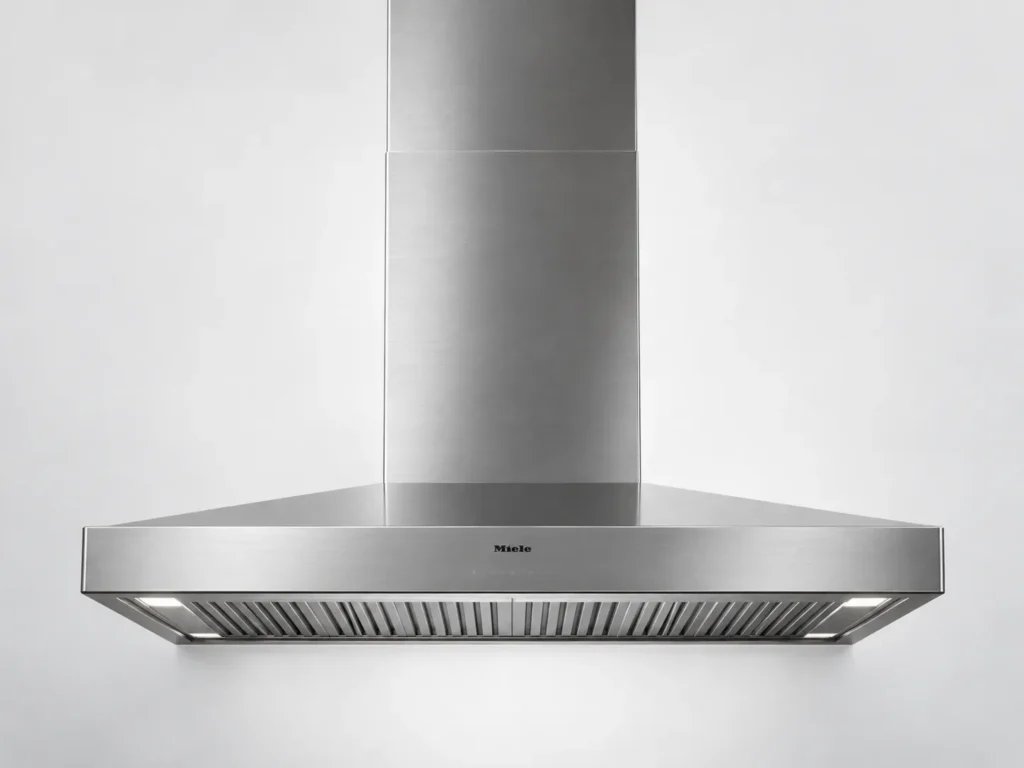
Most common issues on this model
- Touch controls not responding on the glass
- Con@ctivity link dropping
- LED lighting failing
A glass design makes the DA 6498 W look like a piece of furniture over the cooktop. Glass shows every splash, and touch controls on it need a dry hand and a clean surface to respond. Owners often report that the controls are slow, when a film of kitchen grease on the glass is the reason. Because the glass is part of the design, we use cleaners that are safe on it.
We clean the glass and the control surface, test the touch response, re-pair Con@ctivity, and run the Booster level. The LED lighting and the filters are checked as well. Glass looks best when it is clean, so we leave the panel wiped. Everything is priced in writing before we begin, and workmanship is warranted for 30 days.
Key features
- Wall hood with LED lighting and touch controls
- Exclusive glass design, 35 1/2" wide
- Cooktop connection with Con@ctivity
- Booster setting
- Quiet, energy-efficient running
Error codes this model can show
The touch controls on my DA 6498 W are unresponsive. Is the glass bad?
Usually a film of grease or moisture is the cause. We clean and test the surface and replace the control only if it fails the test.
How do I clean the glass safely?
Use a soft damp cloth and a mild glass cleaner on the cloth, not the panel. We clean the control area during a service visit.
Does Con@ctivity need an app?
Con@ctivity links the hood to a compatible cooktop and does not need an app to work. If the link drops, we re-pair them during a visit and test that the hood follows the cooking.
Book repair for your DA 6498 W
Book online in about a minute, or give us a call. Same-day appointments are available inside the Loop on most days, and next-day service across the rest of Houston.