
DGC 7570 XL
Miele DGC 7570 XL Repair
Most common issues on this model
- Display or proximity sensor not responding
- Scale in the steam generator
- Roast probe not reading
- WiFi pairing lost
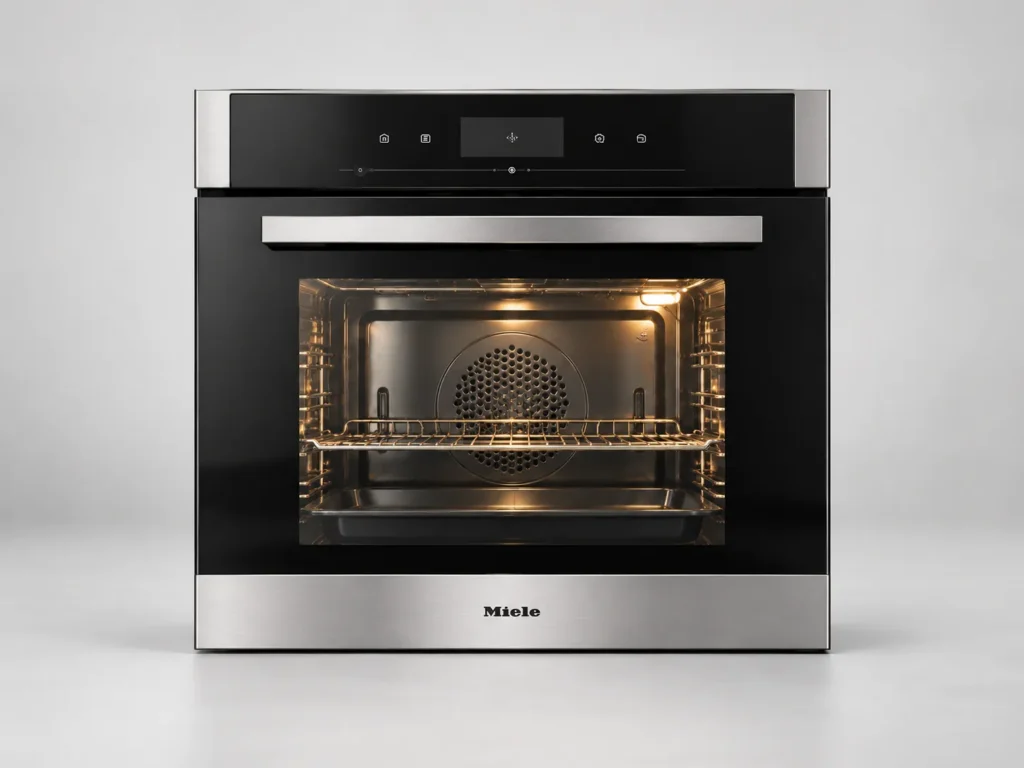
The DGC 7570 XL wakes up when your hand moves toward the screen. That proximity sensor, called MotionReact, belongs to the M Touch S display, and it is the part we test before anything else when an owner says the oven looks asleep. A smudged lens or a loose cable is much cheaper than a new display.
This 30″ compact XL oven is built into a column like its larger siblings, with the roast probe stored nearby. Probe problems usually come down to a bent plug or worn contacts rather than the oven itself, so we try the probe in the oven and a clean connection before ordering parts.
Steam output, Miele@home pairing and menu cooking are all checked on site. Our written price comes first, and the repair is covered by a 30-day workmanship warranty.
Key features
- 30" compact XL combi-steam oven
- Roast probe and menu cooking
- M Touch S with MotionReact
- DualSteam and Combi-Steam
- Miele@home WiFi, Mix & Match
Error codes this model can show
The screen does not light up when I reach for it. What is wrong?
The MotionReact sensor may be dirty or disconnected, or the display may need a reset. We clean and test the sensor, then check the display and board if the screen still stays dark.
My roast probe shows no temperature. Is it broken?
Not always. Bent plugs and dirty contacts cause most readings to disappear. We test the probe and the socket in the oven, and replace only the one that fails.
Can you restore the Miele@home connection?
Usually. After checking signal strength at the oven, we repeat the pairing with your router and test that the oven responds to the app before we leave.
Book repair for your DGC 7570 XL
Book online in about a minute, or give us a call. Same-day appointments are available inside the Loop on most days, and next-day service across the rest of Houston.